Quasar / One family

Maximum uptime.
The simplest way.

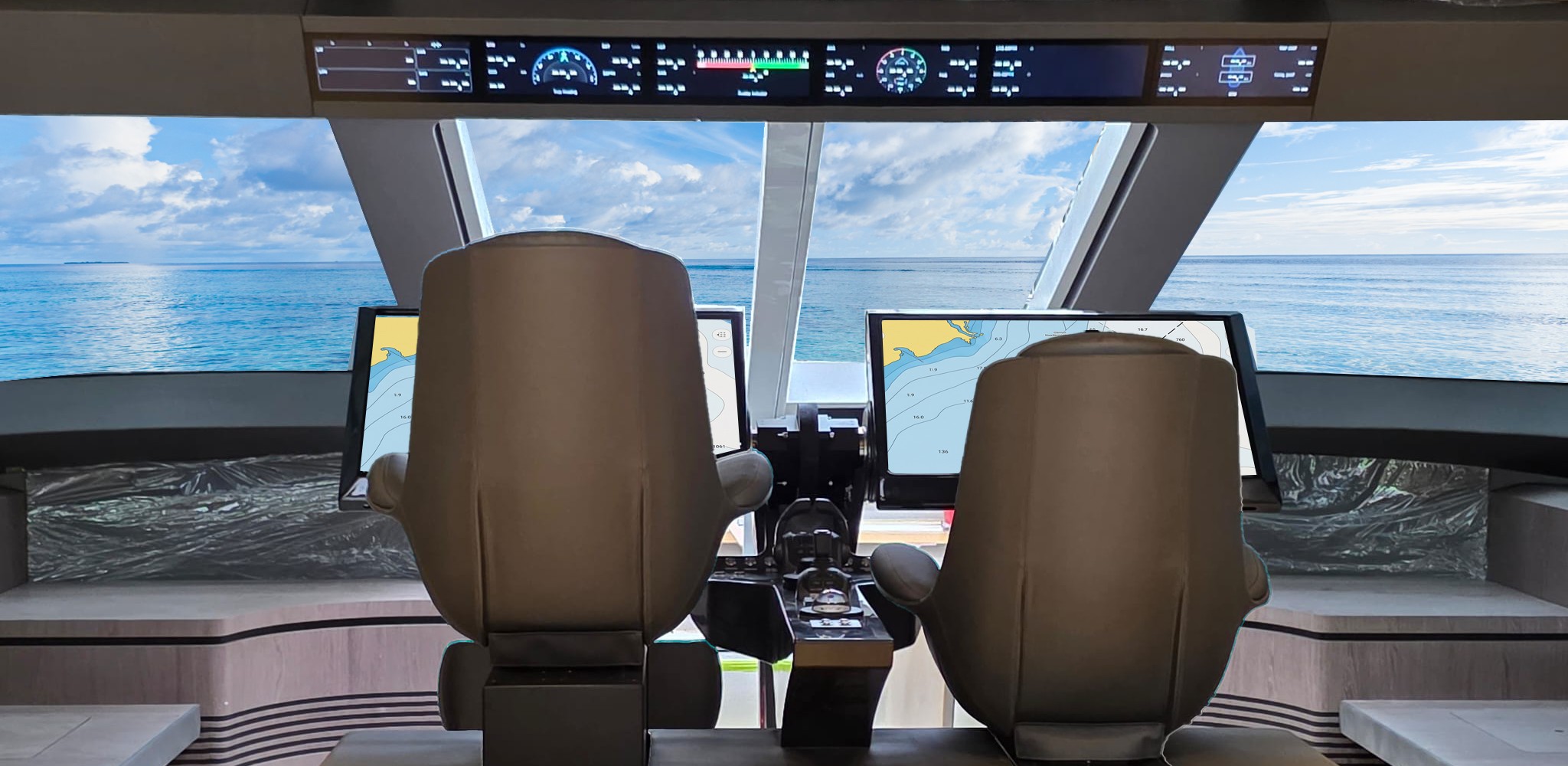
Monitoring and control with Glass. Vessel health with ONE. Integrated boat systems with Marine.

Start with what you want your system to do. Explore each part of the range below, or plan an integrated boat project with Quasar Marine.
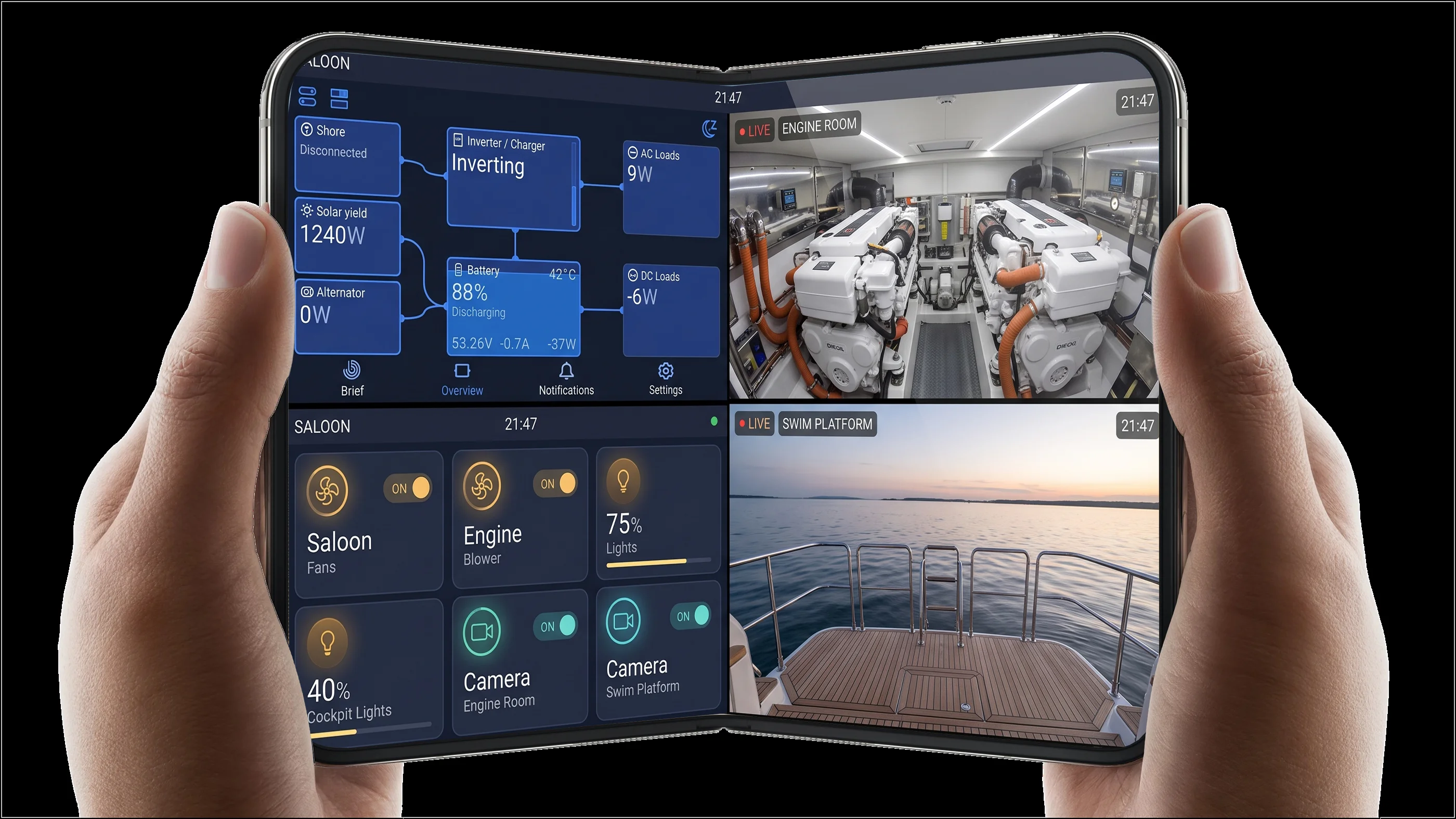
Foldable phone held in two hands, showing Quasar power and switching controls alongside engine-room and swim-platform camera views
Power, switching and camera views on Glass.Explore Power and Vision
Explore Quasar

Find the right place to start.

Choose the starting point that suits your boat.

Monitor & control

Quasar Glass

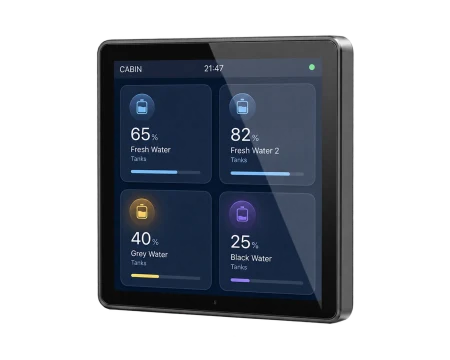
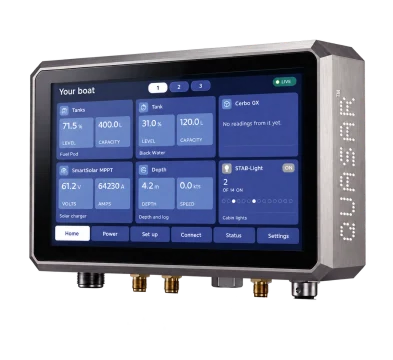
Power, tanks and switching on one display, with compatible camera options.

Explore Quasar Glass
Vessel health & Digital Twin

Quasar ONE

Readings from your boat, connected to its history through Quasar Twin.

Explore Quasar ONE
Integrated boat systems

Quasar Marine

Displays, integration and automation, specified together for your boat.

Explore Quasar Marine

Glass and ONE can work together. Quasar Marine brings the systems your boat needs into one project.

Quasar ONE + Quasar Twin

Your boat’s readings.
A clearer picture of its health.

See small changes in the context of your boat’s own history.
On boardQuasar ONE
Collects readings from connected equipment and keeps them when the boat is offline.
In the cloudQuasar Twin
Your boat’s digital model compares readings over time and highlights changes to review.
Explore ONE and its Digital Twin
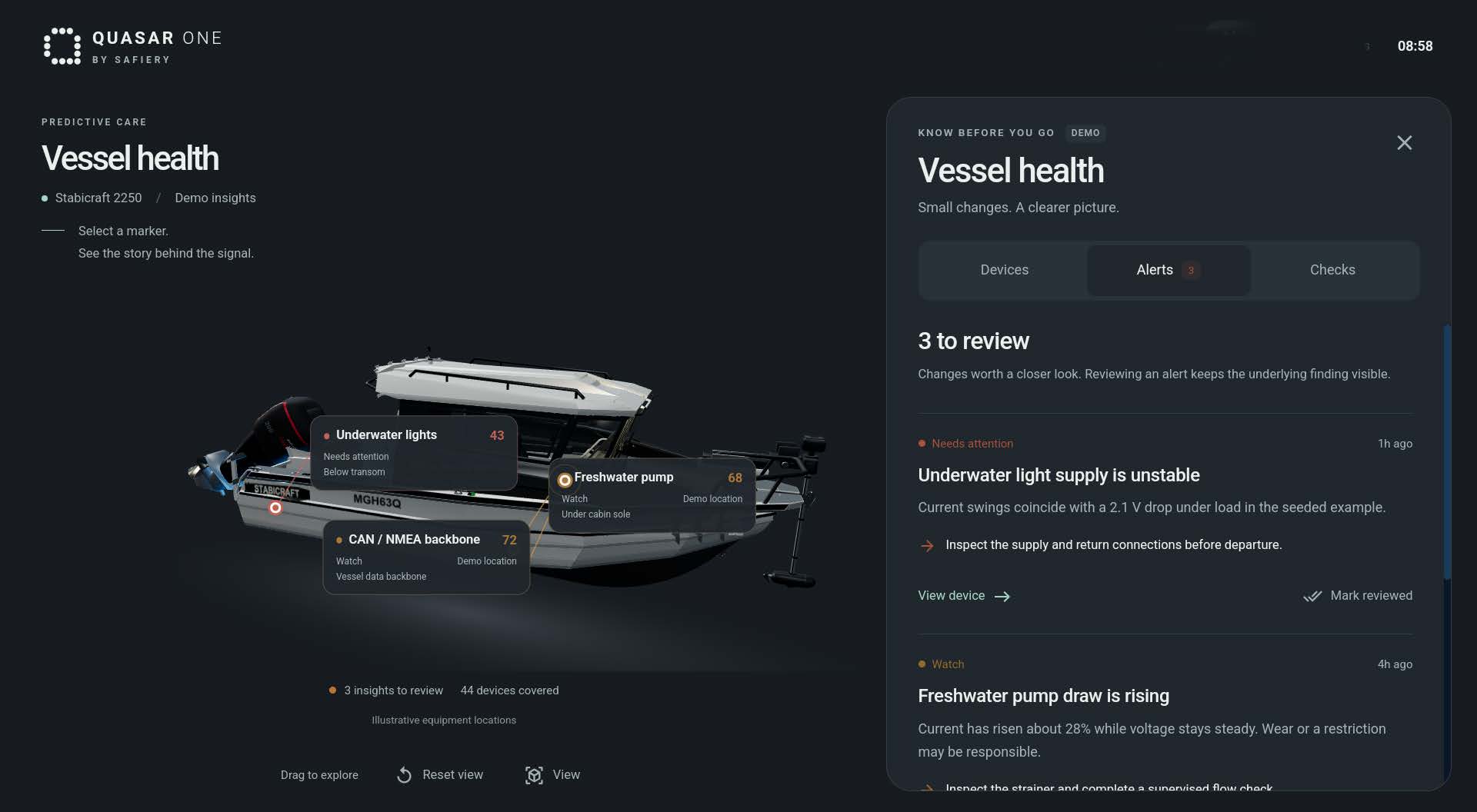
Illustrative Quasar Twin vessel-health screen showing findings on a boat and their history
Illustrative demo with sample findings. Cloud analysis needs connectivity.

From readings to a clearer picture.

Quasar ONE collects on board. Quasar Twin compares in the cloud. Review the finding with its history.

Compare the starting pointsEach tier builds on the one before. Step up for more.
  1. Step 1

    Glass Bluetooth

    Monitor and control from the helm.

    • 4, 10 and 13.3 in Glass displays with 20+ widgets
    • STAR digital switching: dimming, colour and scenes
    • Wireless tank, temperature and air sensors
    • Victron monitoring over Bluetooth
    • Free Quasar Glass App, works with no internet
    Explore Bluetooth
  2. Step 2

    Glass Power and Vision

    See the boat and control your Victron system.

    Everything in Bluetooth, plus:

    • IP cameras, 360° birds-eye and live video on the glass
    • Full Victron data and control through Cerbo GX
    • Wi-Fi modem router with 4G
    • Remote app access over the router’s 4G
    Explore Power and Vision
  3. Recommended Step 3

    Quasar ONE

    Your boat starts keeping an eye on itself.

    Works with Glass, and adds:

    • Vessel health: changes in supported device readings highlighted on your phone
    • Quasar Twin cloud model, vessel log and eSIM
    • Onboarding with photos, voice and self-learning
    • LIN switch nodes: up to 48 individual switches
    • Trip log and conversational voice AI in the cloud
    Explore Quasar ONE
  4. The full system Step 4

    Quasar Master

    The whole boat, automated and working offline.

    Everything in ONE, plus:

    • Home Assistant: Matter plus 50+ integrations
    • Apple Home and Google Home, native
    • Scenes stored locally: departure, arrival, bedtime, storage
    • 8 in and 15.6 in 3D touch displays

    Add NVIDIA Jetson Orin: voice and vision AI on board with no internet, and a perimeter alarm.

    Explore Quasar Master

Building a whole boat? Quasar Marine brings the right tiers together as one project, planned with Safiery. Glass displays are optional with ONE; package inclusions depend on the configuration you choose.

Start with your boat

Find the right fit for your system.

Explore a Glass package, or talk through your vessel’s monitoring and integration needs.
Brochures & further readingProduct details to take with you